Accessing Fortress Building Products Academy
Scroll down to continue through all the steps
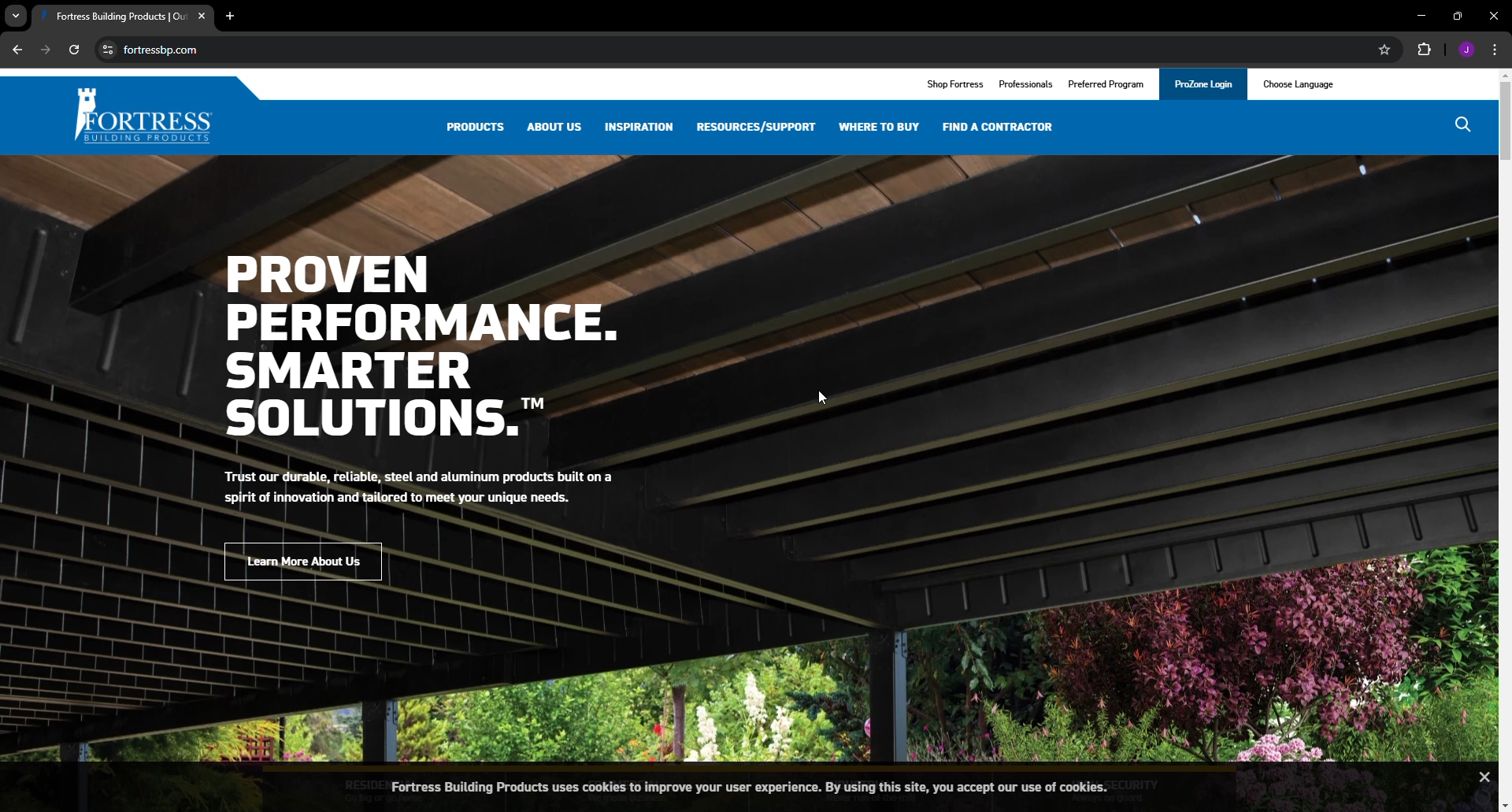
Start by going to fortressbp.com in your web browser
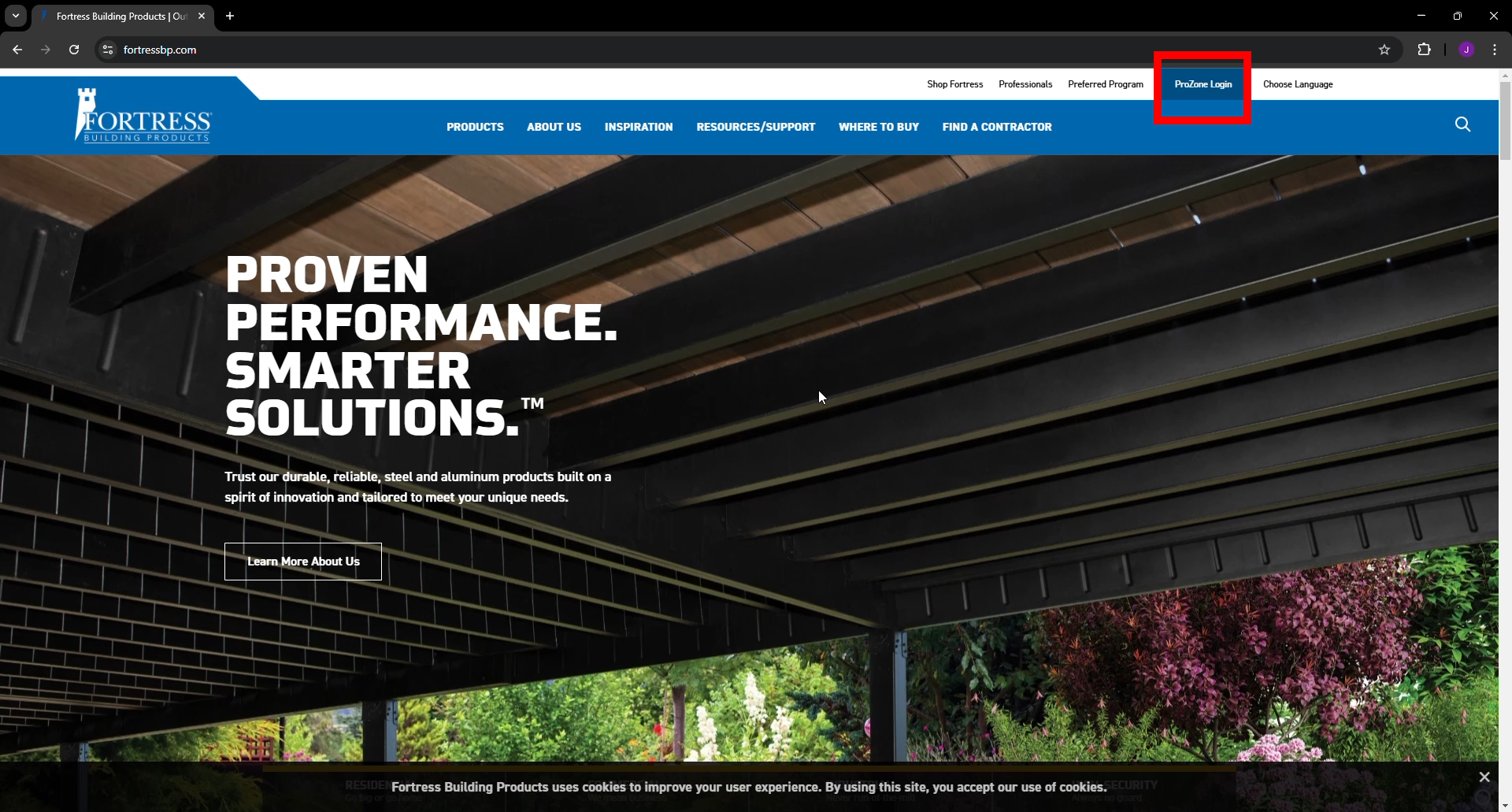
Next click the ProZone link in the upper right-hand corner
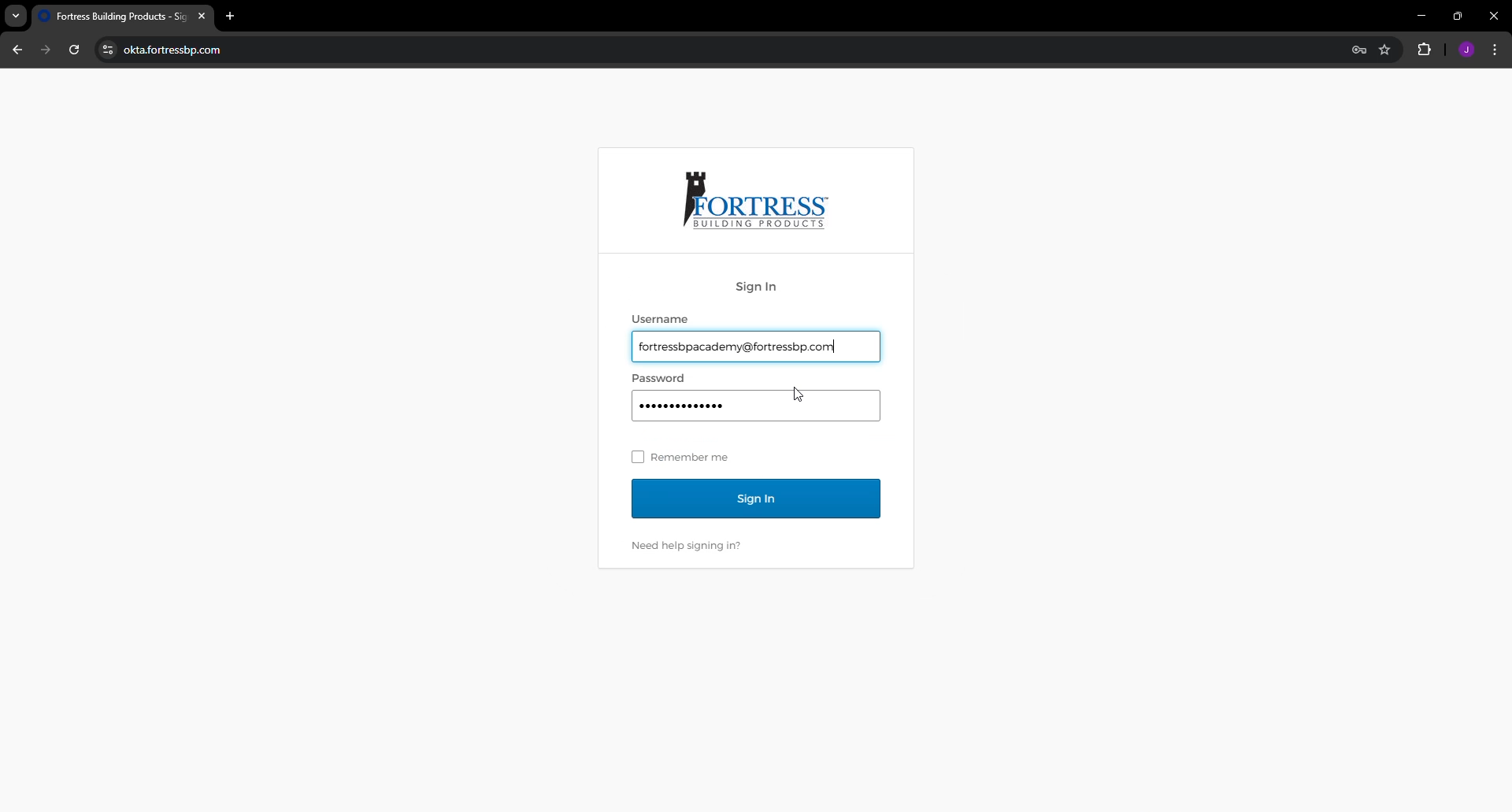
Enter your Single Sign On Credentials - If you have issues with this step after attempting to reset the password, let us know.
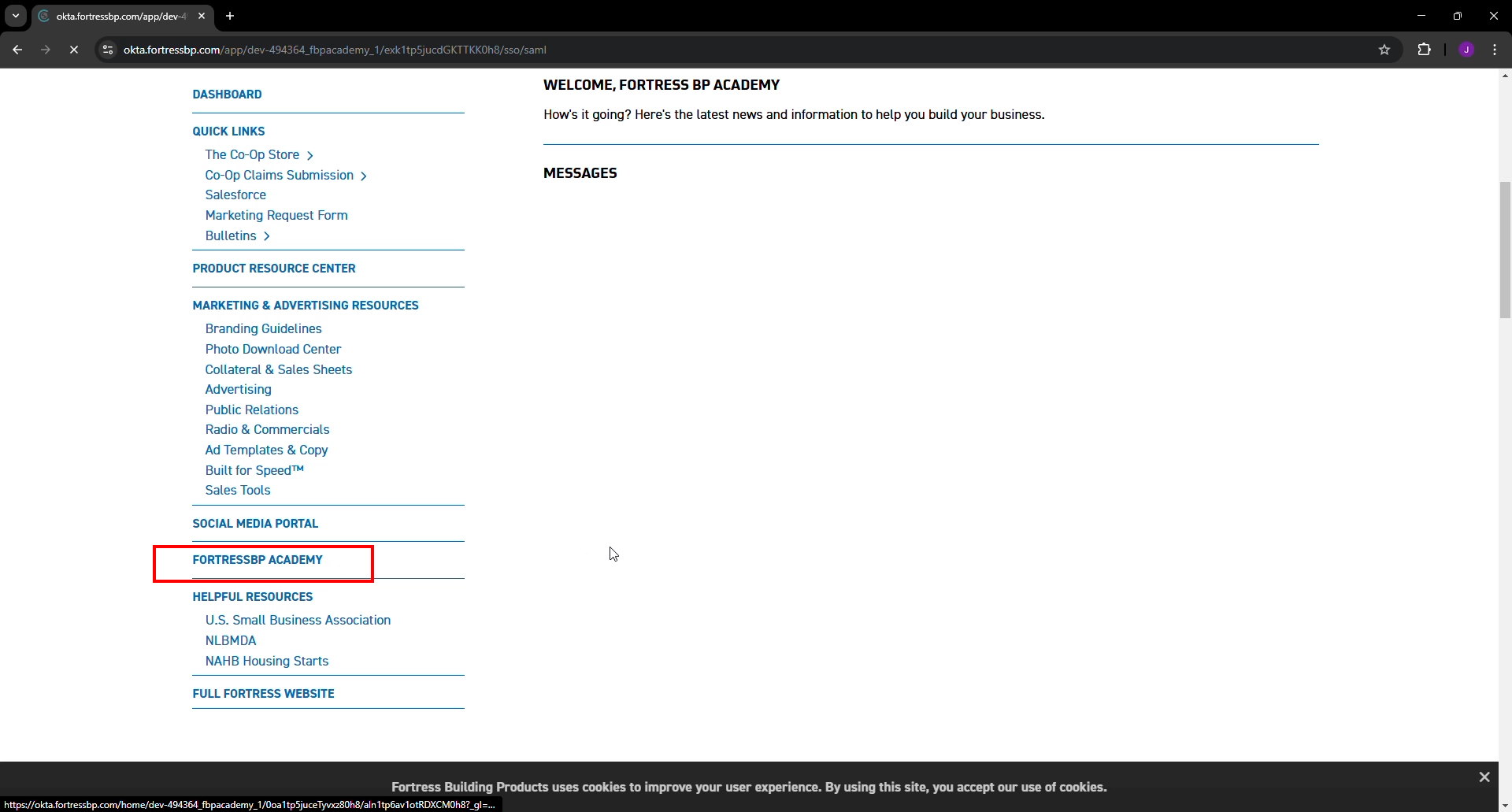
On the ProZone page click the FortressBP Academy link in the Quick Links section
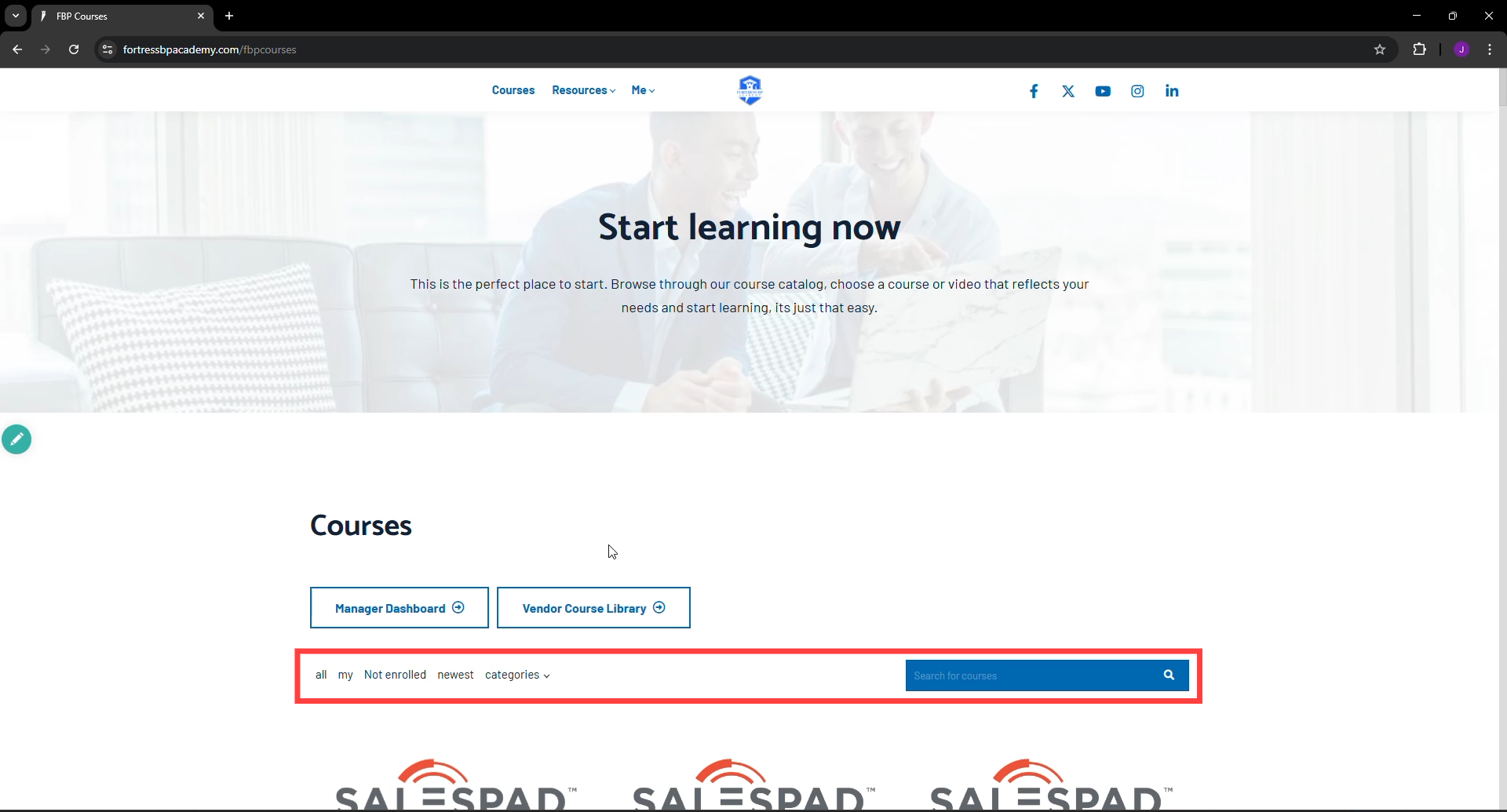
All Learners (except managers) will see this screen upon login. Here you can access various FBP created courses such as those on Product, Salesforce, or Fortify & Engage archived sessions.
You can also use the Search feature or, quick sorting Categories and drop-down to locate the desired content rapidly.
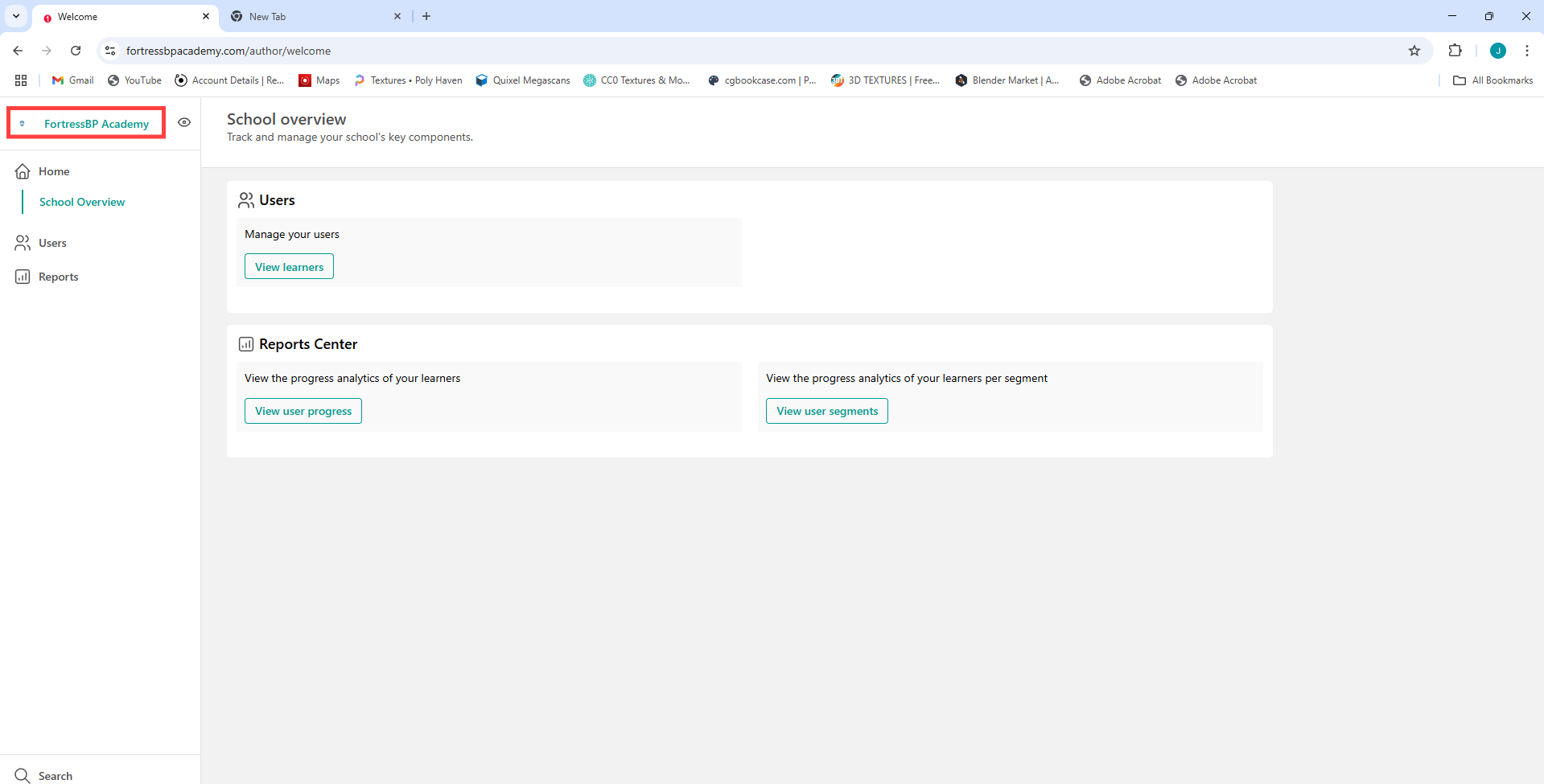
For managers, you will need to click the FortressBP Academy button in the upper-left corner to enter the main Academy from your report manager view.
There will be a session held to cover this topic at a later date.
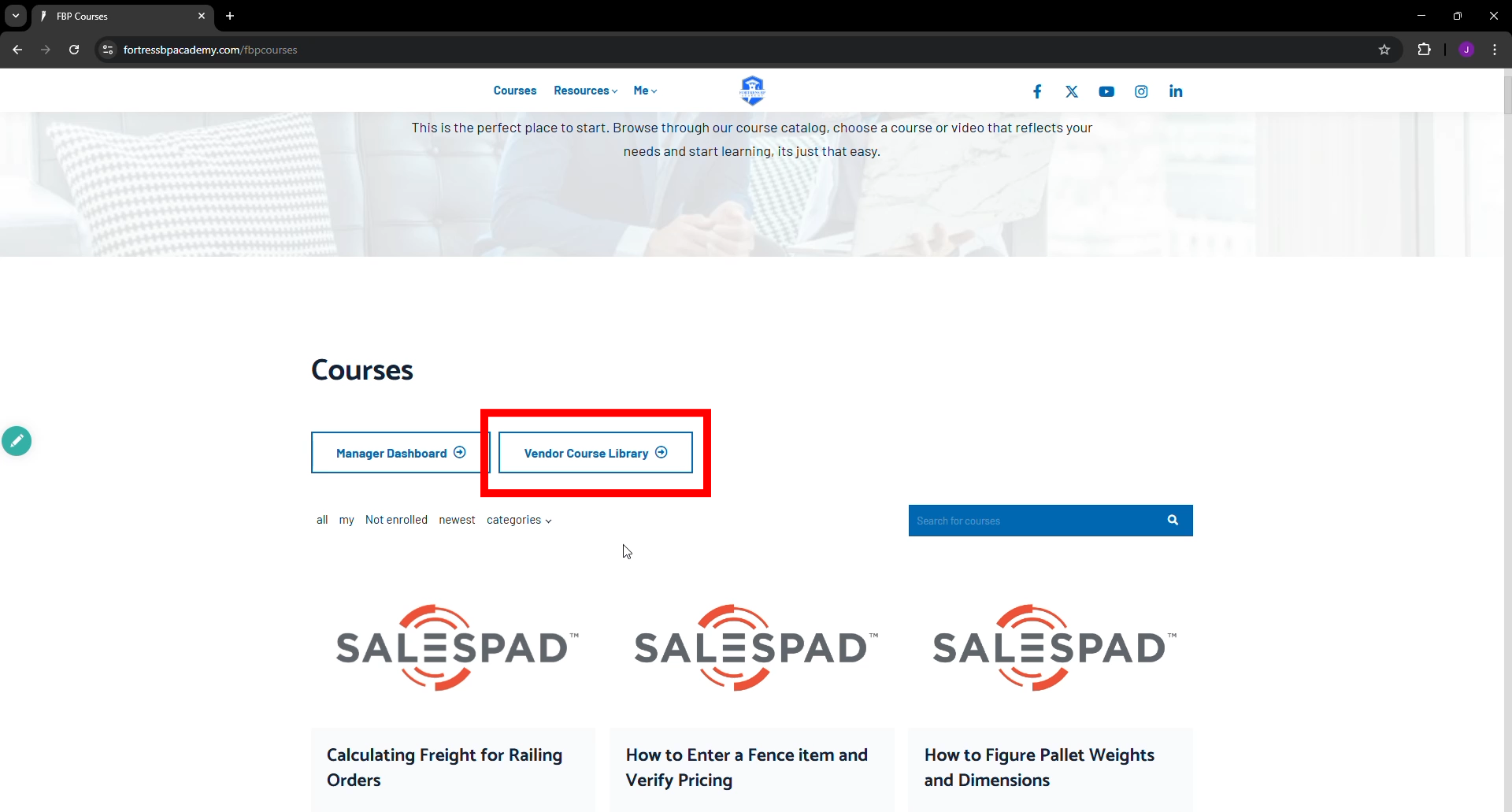
To access vendor course content a pass-through portal button is located here on the page.
Clicking this button will open a screen asking for you to use your Fortress Credentials. Click the Use Fortress Credentials button to proceed.
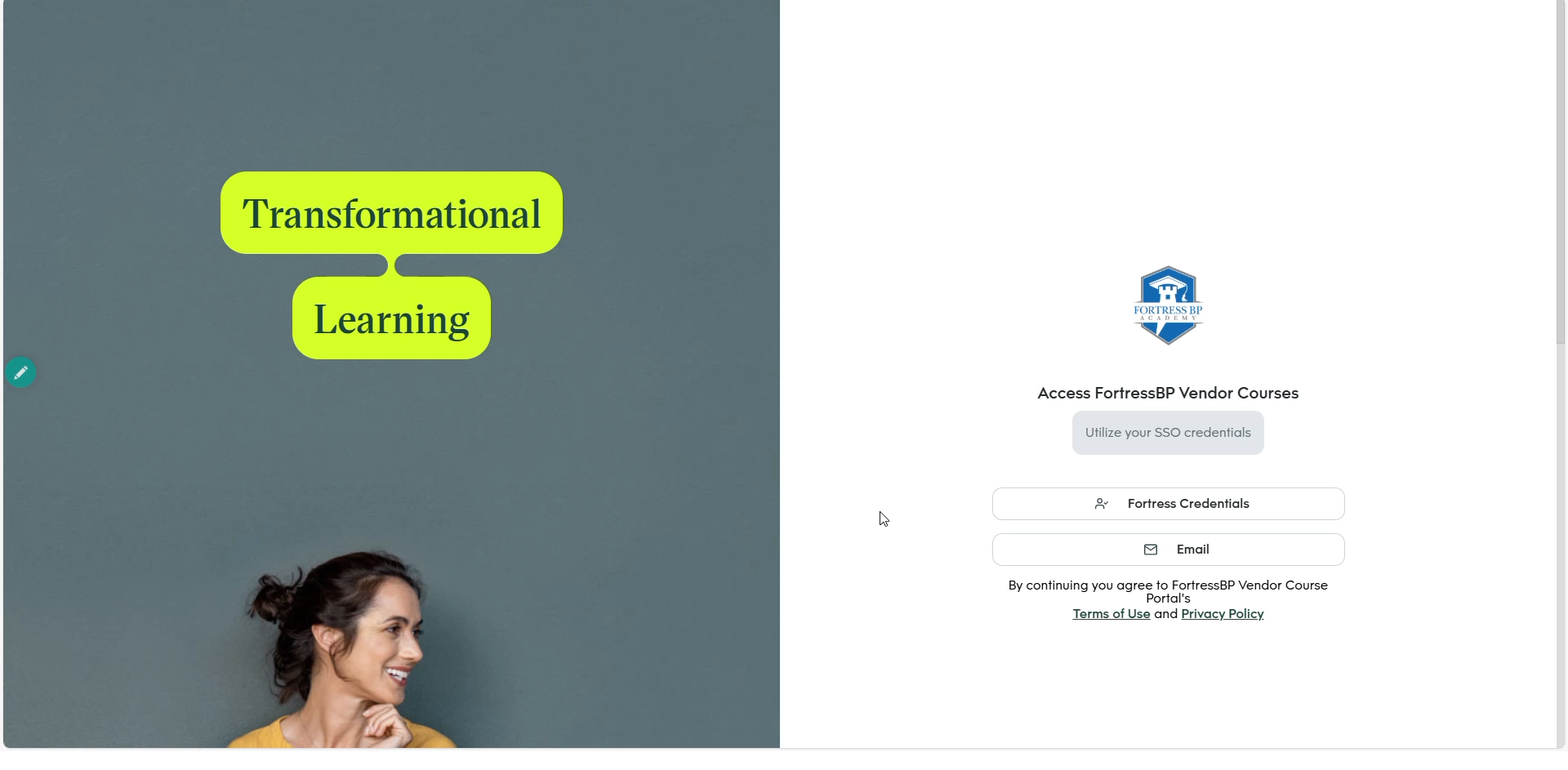
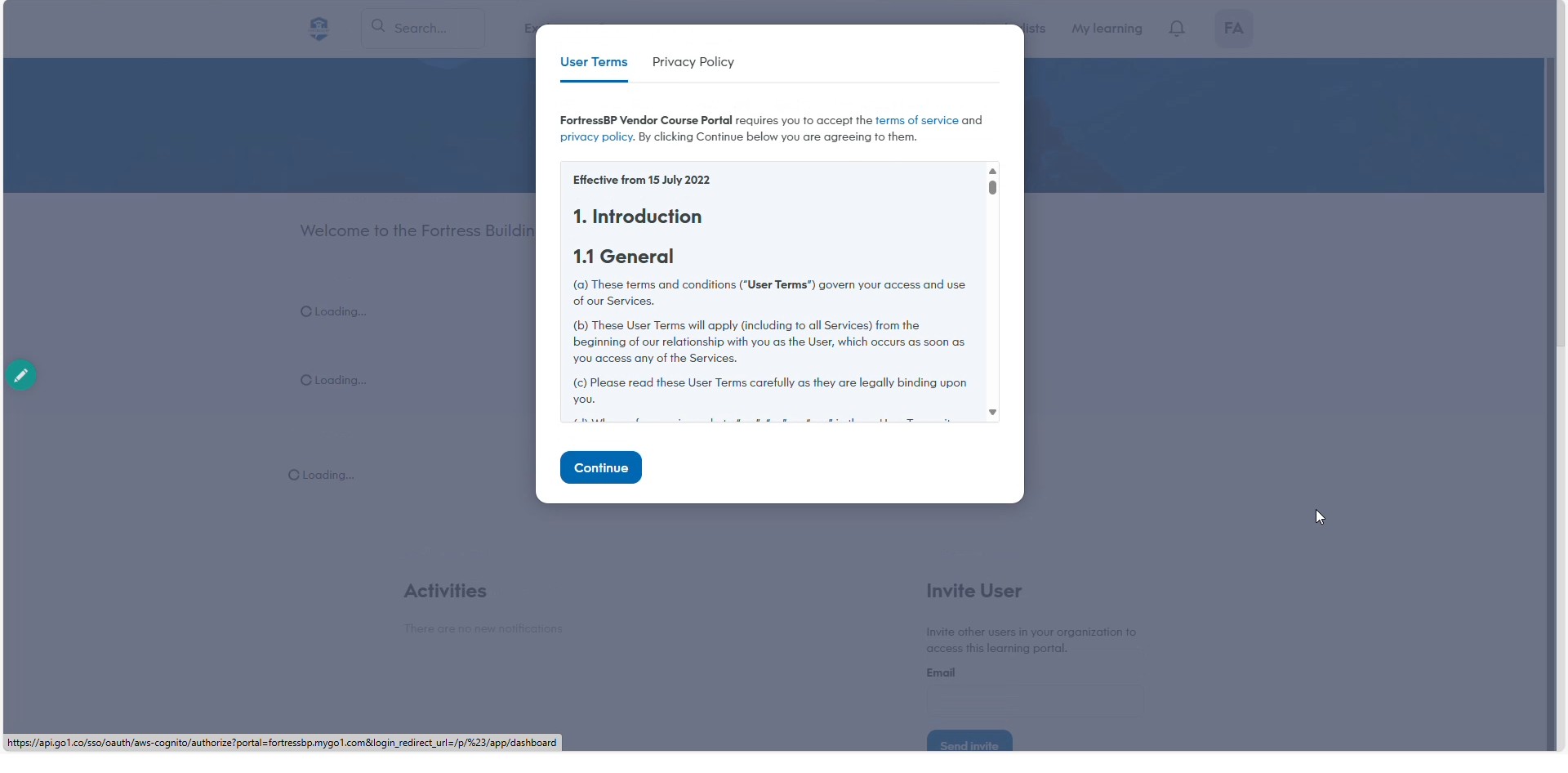
Here you will find all your vendor course related content. The first time you enter the portal there will be a User Terms Agreement, Click Continue to Proceed.
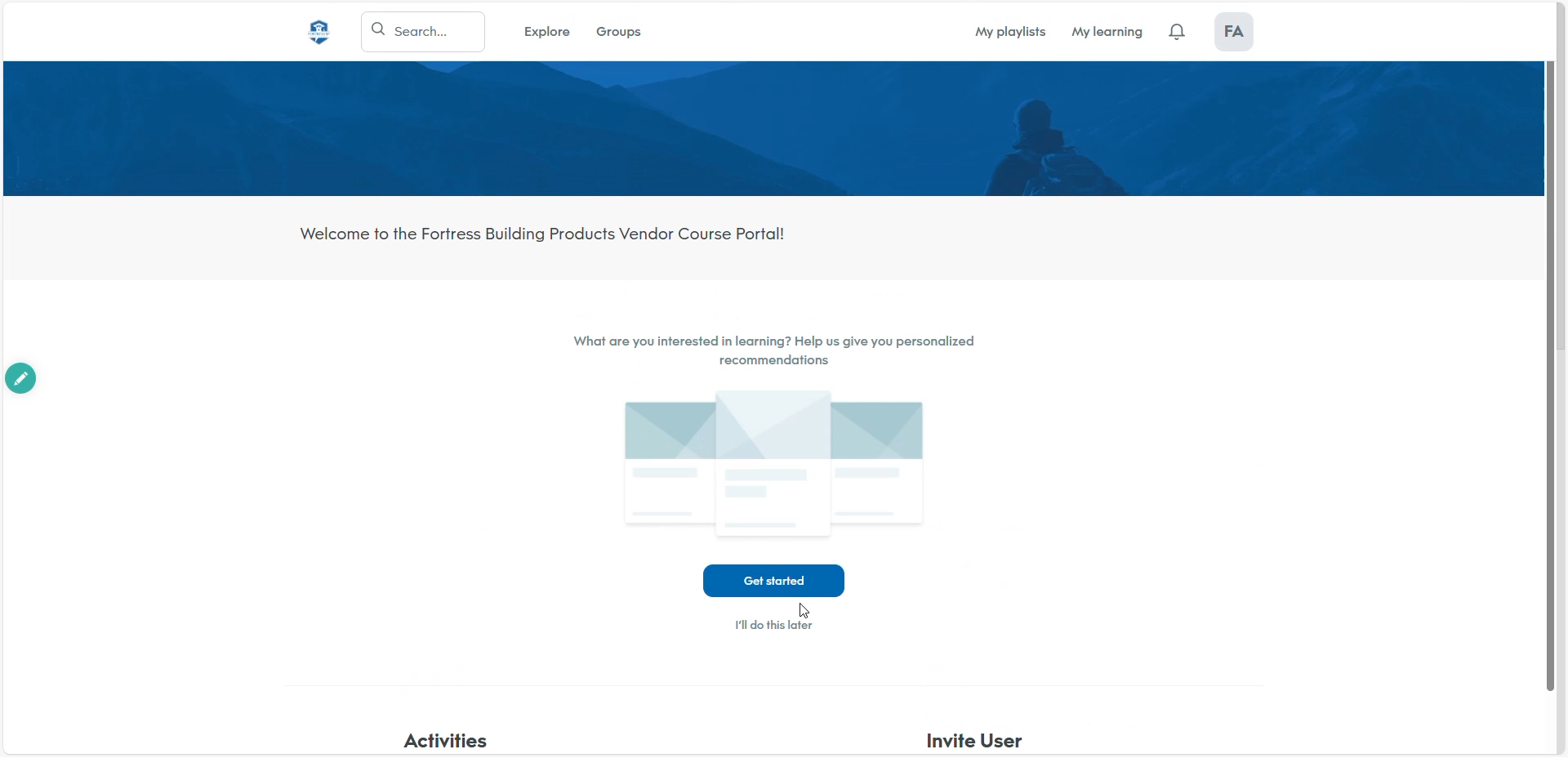
There will then be a Welcome message. Feel free to use the Get Started button to select topics you are interested in learning more about.
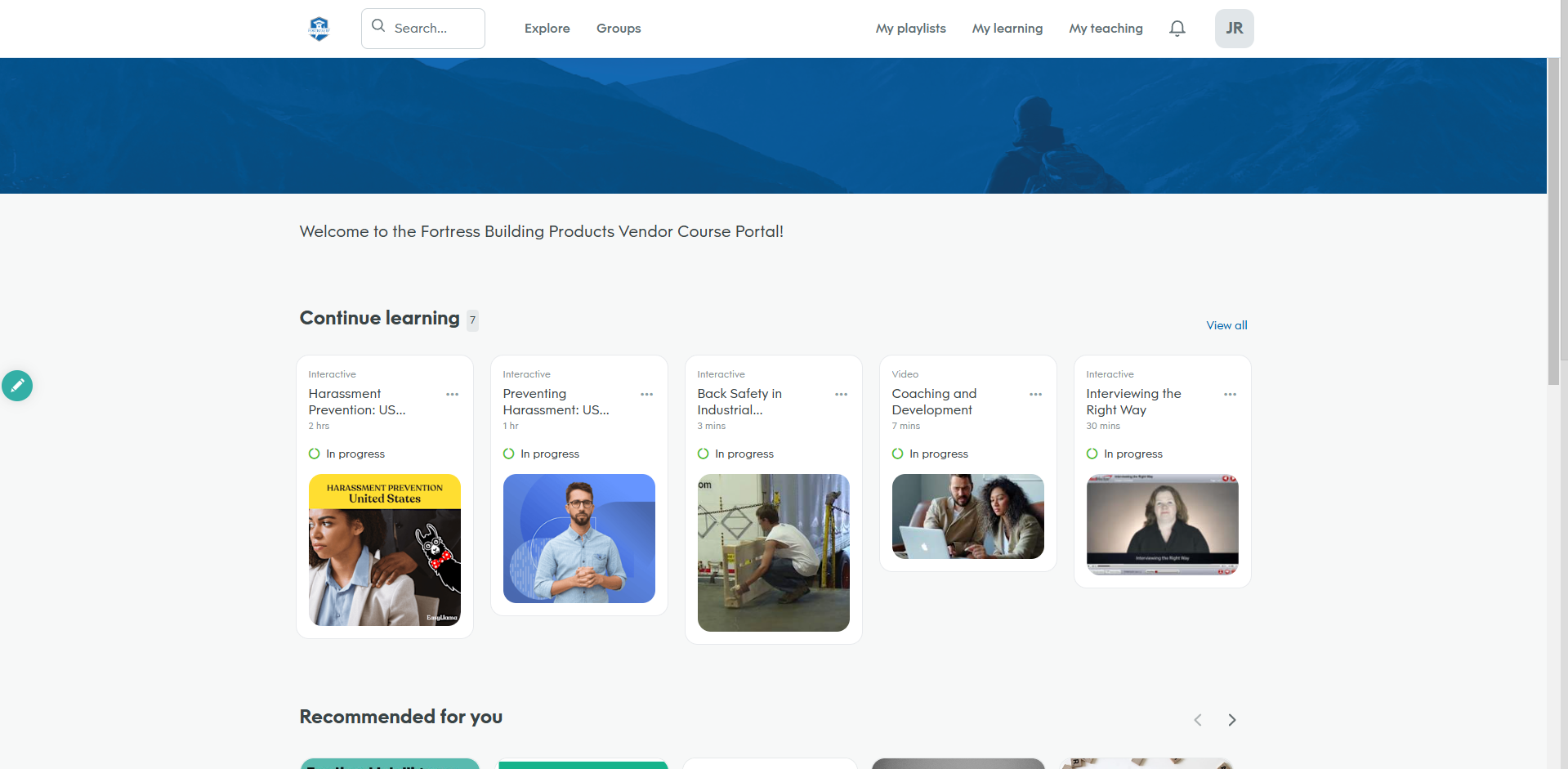
The vendor course library grants you access to more than 90k courses. You can utilize the Search, Explore, My Playlists, or My Learning to discover more.
Be aware that currently completions inside the Vendor Course Library will remain here inside this portal only for the time being.
Copyright © 2026